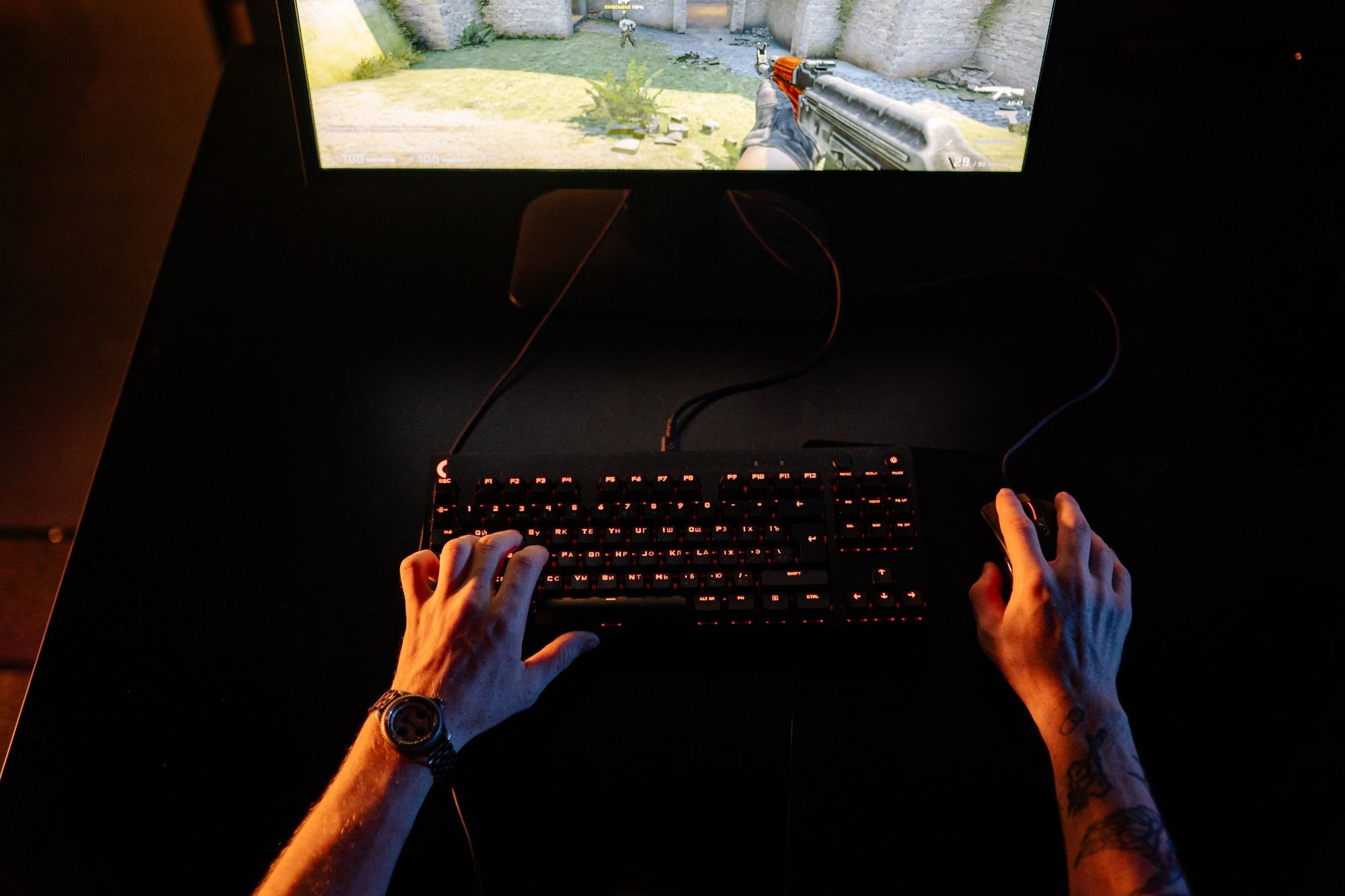
“Dad, can I get a gaming PC?” If you’ve got a teenager, you’ve probably heard it. And it’s been a big talking point in the DadsNet Dads Community Group lately, with dads swapping notes on budgets, specs and whether to build one or buy one.
Here’s a guide for dads who don’t know their GPU from their elbow.
Make them invest too
One idea that’s come up a lot among dads in our community is matching their savings. Your teen saves from birthday money, a part-time job or pocket money, and you match it pound for pound (or whatever works for your budget).
It teaches them:
- that big things take planning and patience
- the value of money, when it’s their own on the line
- how to research and compare before spending
And a teenager who’s saved half the cost tends to look after it a lot better.
What should you spend?
PC prices are higher this year. Tech site Compare Electronic reports that memory and storage chips are scarce in 2026, partly because data centres are buying up so much of the supply, which has pushed up the price of RAM and SSDs.
As a rough guide, here are the Amazon UK prices it found for some prebuilt PCs on 3 October 2026. Prices change constantly, so treat these as a guide to what each budget gets you, not current offers:
- Under £700: an entry-level PC such as one with an older RTX 3050 graphics card was £679. It will play popular games like Fortnite and Minecraft, but will struggle with newer, more demanding titles.
- Around £800: a tower with a Ryzen 5 5500 processor and an RTX 5060 graphics card was £797.99. Compare Electronic rated this tier the best value, and says a genuine Black Friday deal would take an RTX 5060 tower below about £720.
- Around £1,000: RTX 5060 PCs on a newer platform with DDR5 memory, which is easier to upgrade later, were around £950 to £990.
- £1,400 and up: an RTX 5070 machine for higher settings and higher-resolution gaming was £1,409.
Don’t forget the extras: a monitor, keyboard, mouse and headset can add a fair bit if they don’t already have them. Some bundles include them.
Prebuilt or build your own?
Prebuilt is easiest. It arrives ready to go, has a warranty on the whole machine, and Windows is usually installed. For most first-time buyers, this is the safest choice.
Building your own can save money and is a brilliant project to do together. There are loads of step-by-step video guides. But if something doesn’t work, you’ll have to work out which part is at fault. If you go this route, a site like PCPartPicker can check your parts are compatible.
What to check before you buy
- The graphics card (GPU). This matters most for gaming. Check it’s a recent generation, not an old model with a new name on the box.
- Memory (RAM). 16GB is the sensible minimum for gaming now.
- Storage. At least a 1TB SSD. Games are huge.
- Upgradability. A decent power supply and case make future upgrades easier.
- What games they actually want to play. Check the “recommended” specs for their favourite games before you buy.
Where to buy in the UK
- Specialist PC builders and retailers such as Scan, Overclockers UK, CCL, Box, PCSpecialist and CyberPowerPC
- High street and big online retailers such as Currys, Argos and Amazon
- Refurbished and second-hand: CeX and reputable refurb sellers can be good value. Buy with a warranty where possible.
If you buy online from a UK retailer, the Consumer Contracts Regulations generally give you 14 days after delivery to cancel. Check the retailer’s own returns policy, too. Some extend returns over Christmas.
Should you wait for Black Friday?
Black Friday is on Friday 27 November and Cyber Monday is 30 November. Many UK PC retailers are already running early deals.
- Check the price history. Use a price tracker to see if a “deal” is actually a discount. Compare Electronic warns that some cuts this year just take PCs back to an earlier price.
- Compare like for like. Two PCs at the same price can have very different specs.
- Watch out for scams. Stick to well-known retailers, and be wary of deals that look too good to be true. See our separate guide on Black Friday scams.
Set it up safely
Before handing it over:
- Set up a Microsoft family account to manage screen time and spending.
- Check game age ratings using PEGI.
- Agree on rules about in-game spending, chatting with strangers and where the PC lives in the house.
- Turn on parental controls in Steam and other launchers.
A gaming PC can be a great way for a teenager to play, create and connect with mates. And if they’ve saved for half of it, it might just teach them something about money too.

Join Dadsnet
Weekly dad stuff that actually helps. No spam, just the good bits.