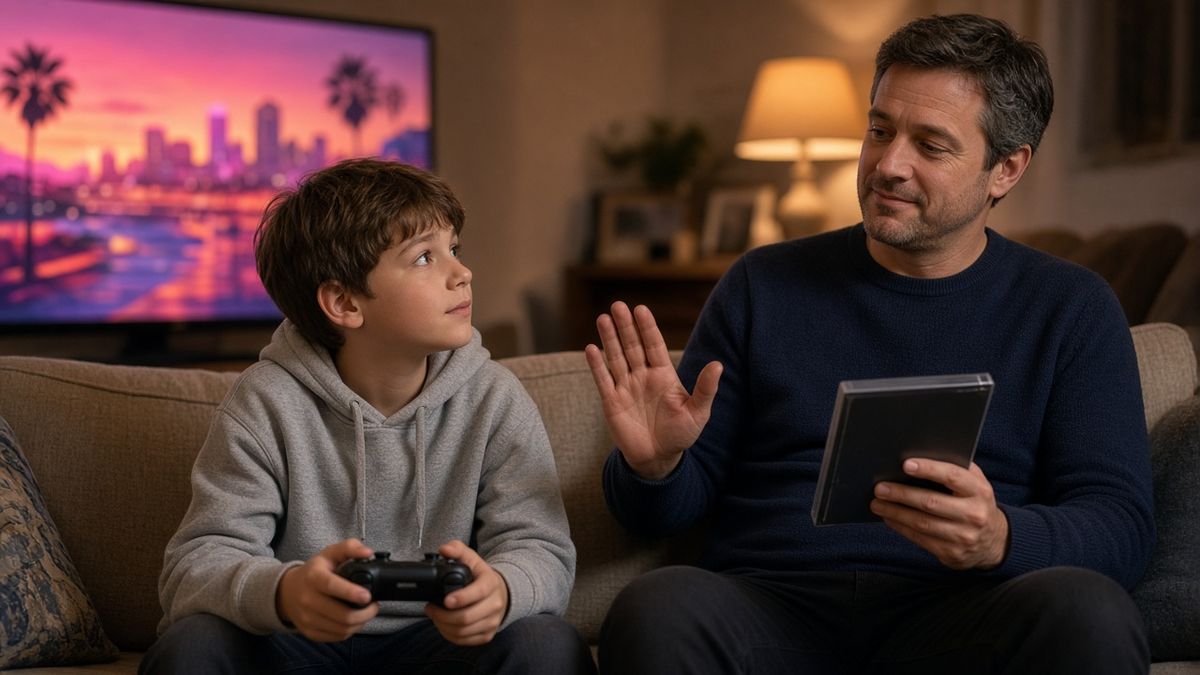
Grand Theft Auto VI launched on 19 November on PlayStation 5 and Xbox Series X|S, and if you have a child who plays games, it is probably already being talked about in the playground, the group chat and the back seat of the car.
It is also rated PEGI 18. This week the Guardian’s games writer Keza MacDonald, who has played it for more than 70 hours and is herself a parent of two boys, wrote a comment piece with a blunt message to other parents: don’t buy it for your child. She isn’t calling for a moral panic. She calls it a brilliant game, and she found a lot of it funny. Her point is simply that it is made for adults, and that plenty of parents don’t realise what an 18 rating really means.
Here’s what the rating covers, how to lock it out on PS5 and Xbox, and what to say when your child tells you everyone else has it.
The basics
- Release date: 19 November 2026, according to Rockstar.
- Platforms: PS5 and Xbox Series X|S. PlayStation says it will not be playable on PS4.
- Rating: PEGI 18 in Europe, and rated M for Mature by the ESRB in the US. PlayStation describes it as intended for adult players.
- Mode: PlayStation lists it as a single player experience. Its PEGI entry also carries a label for in game purchases, so keep an eye on spending.
What the 18 rating is warning about
PEGI’s entry for the game cites strong graphic violence, strong sexual themes and the use of illegal drugs, according to European Gaming’s report on the rating.
The Guardian’s review of the content goes further. In general terms, MacDonald says players steal cars, deal and take drugs, and kill a large number of people, with scenes of executions, police raids and torture along the way. She says it has more explicit sexual content than any earlier game in the series, including nudity and sex scenes that are not hidden, plus missions set in strip clubs. Even the in game radio and TV are packed with crude adult humour.
She also makes a point that dads who grew up on the series might need to hear. Plenty of people of her generation played Grand Theft Auto before they were old enough, but games look far more realistic now than they did two decades ago. And while a teenager may have seen worse online, she argues that a 10 or 12 year old can’t really put this kind of material in context. Her yardstick: if you think your child is too young to watch Breaking Bad, they are definitely too young for this.
One thing about ratings that catches parents out
A PEGI rating is about content, not difficulty. PlayStation’s own guidance says the rating has nothing to do with how hard or playable a game is. MacDonald recalls a parent who was genuinely shocked to learn that an 18 on a game was a flag for adult content, not a measure of how skilled the child was.
The law matters too. According to the Games Rating Authority, in the UK it is illegal to sell or rent a PEGI 12, 16 or 18 game to someone under that age when it is supplied on a physical disc or cartridge. But the Video Recordings Act does not currently apply to games supplied online, which is why setting up parental controls is so important.
How to lock it out on PS5
PlayStation lets you create a child account under your family manager account, with age based limits built in.
1. On the PS5, go to Settings, then Family and Parental Controls, then Family Management.
2. Select your child, then Parental Controls.
3. Set the restriction so that PS5 games can only start if their age rating is the same as or lower than your child’s age.
4. Check the monthly spending limit. PlayStation says it defaults to 0, and purchases come out of the family manager’s wallet.
You can also manage all of this from the PlayStation Family app on your phone. If your child asks to play a more mature game, the app lets you decide whether to allow an exception, so you stay in charge. One more tip from PlayStation’s guidance: a game already downloaded can still be opened if the restrictions aren’t set on the account being used, so make sure your child is always on their own account, not yours.
How to lock it out on Xbox
On Xbox, the controls live in the Xbox Family Settings app, or at family.microsoft.com.
1. Add your child to your Microsoft family group, then open the app and select them.
2. Go to Content Restrictions and turn on the filter for inappropriate content.
3. Choose to allow content suitable for their age and enter their real age. You can use the option to view allowed ratings to check what that covers.
4. You can also allow or block individual games, whatever their rating.
5. Turn on Ask to Buy, so you get a notification before they spend money on a game or in game extras. Microsoft’s Family Settings page has more detail.
Both systems are only as good as the account your child plays on, so it’s worth a quick check of any console in a bedroom, and of whether they ever play on a shared or adult account.
What to say when they tell you “everyone else has it”
Expect this one. A few ways to handle it without a row:
- Stay calm and be clear. “It’s rated 18, which means it’s made for adults, and it isn’t happening yet” is a better opening than a lecture.
- Explain why, in plain language. Tell them it has violence, sex and drugs that are too much at their age, and that the rule isn’t about whether they are good at games.
- Take the “everyone else” claim seriously, but not literally. If they really are the only one in their group not playing, ask which friends have it. A quick chat with those parents is often all it takes to find out what’s really happening, and many will be glad you asked.
- Agree the house rule early. One rule for everyone, kept consistent between both parents, is easier to hold than a decision made case by case.
- Think about sleepovers and friends’ houses. It’s fine to ask whether an 18 rated game will be on, and to say you’d rather it wasn’t.
- Offer a yes. Kids take a no better when it comes with something else they can look forward to.
Games that are a better fit
Rather than leaving it at no, here are a few well known options with age ratings that suit younger players. Always check the rating on the store page for the version you are buying.
- Minecraft is recommended by its makers at PEGI 7, with mild violence and some monsters that can scare very young children.
- LEGO Star Wars: The Skywalker Saga is PEGI 7 for fear and violence, according to the Xbox store listing, and works well for playing together with a parent.
- Rocket League is rated PEGI 3, according to a PEGI based age rating guide for popular kids’ games.
For ratings on any other game, the Ask About Games website and the PEGI site both explain why a game earned its age label.
The bottom line
GTA VI is a huge release that adults are queuing up for, and nobody is saying adults shouldn’t play it. The message from the Guardian is that the 18 on the box is a real warning, and that parents are better off knowing what’s behind it before a child asks. Set the controls, have the chat early, and keep the answer the same in every room of the house.
*This article was inspired by Keza MacDonald’s piece in the Guardian, published on 19 November 2026. Release and rating details were checked against Rockstar, PlayStation and European Gaming’s report on the PEGI entry. Parental control steps follow PlayStation’s and Xbox’s own guidance.*
Join Dadsnet
Weekly dad stuff that actually helps. No spam, just the good bits.